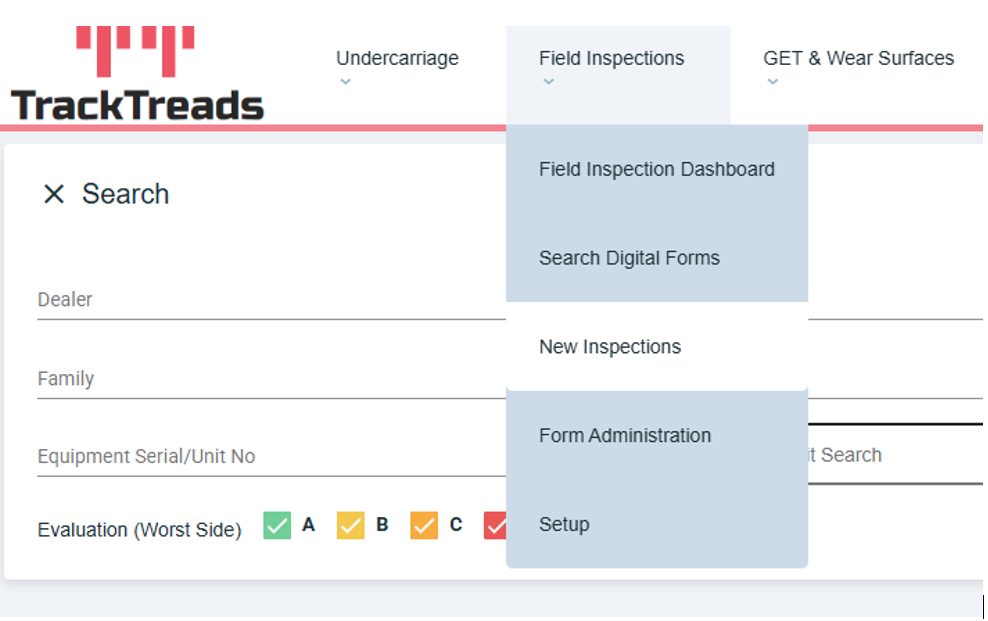
1) Navigate to Field Inspection and select ‘New Inspections’ from the drop-down menu
2) You will be directed to the new inspection screen. Use the search criteria to find the form you are looking for
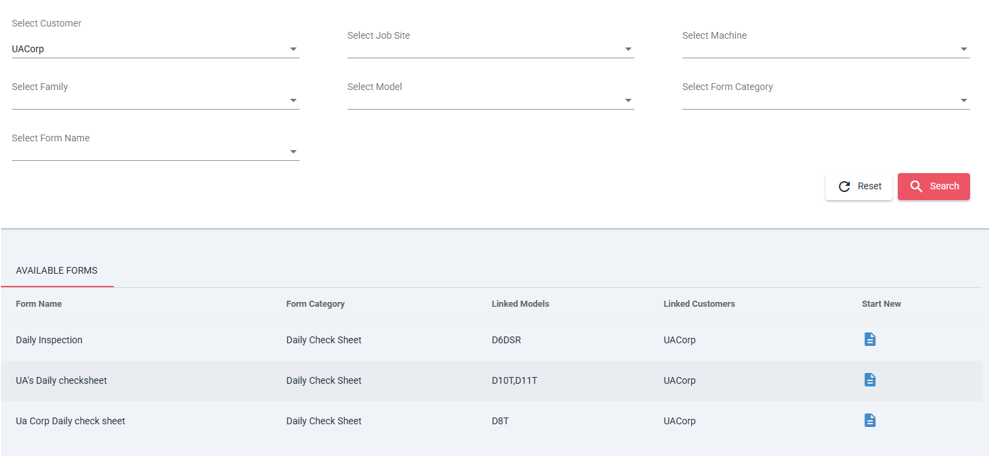
3) On the right-hand side of your desired form, you will see a blue icon in the column labelled ‘Start New’. click on the icon to start the form
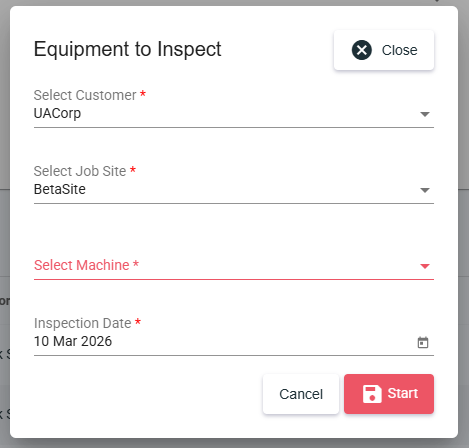
4) Once you have clicked on the start new button a popup will appear enter the relevant information, then click ‘Start’
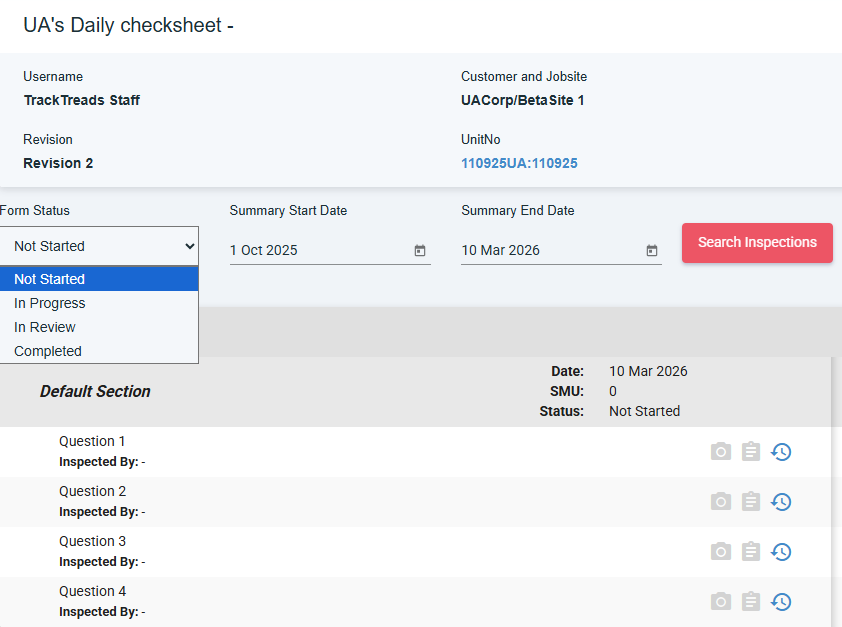
5) You will be redirected to the form where will you will be able to complete the form. Ensure to select the status of the form