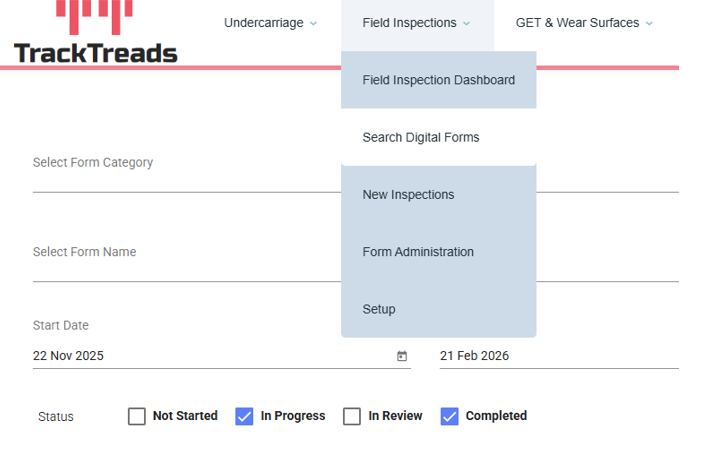
1) Navigate to Field Inspections then click on ‘Search Digital Forms ‘
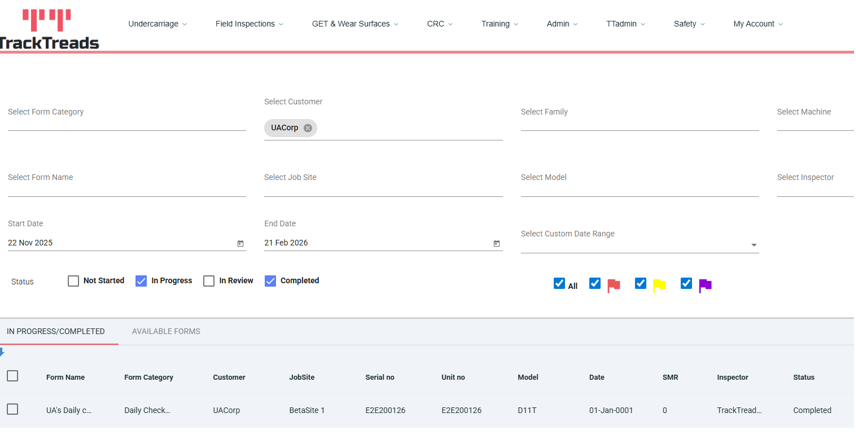
2) Use the search criteria to search for the form you are looking for. On the status bar ‘In Progress’ and ‘Completed’ is pre-selected so forms will appear under the In Progress/Completed tab