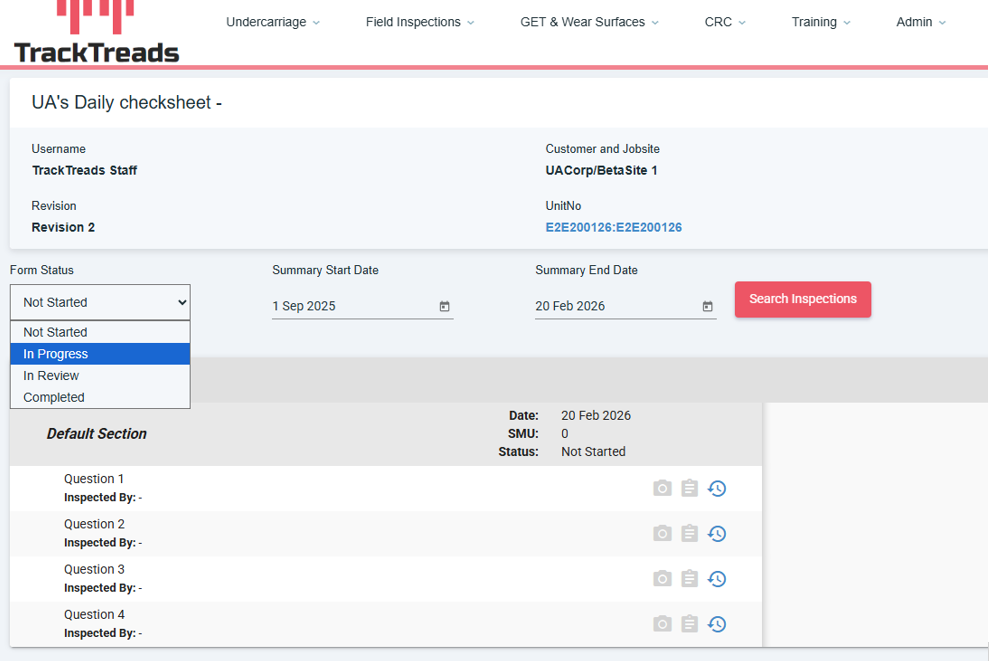
1) To start a form on the mobile. You will have to start a new form on the Web and select the status as ‘In Progress’
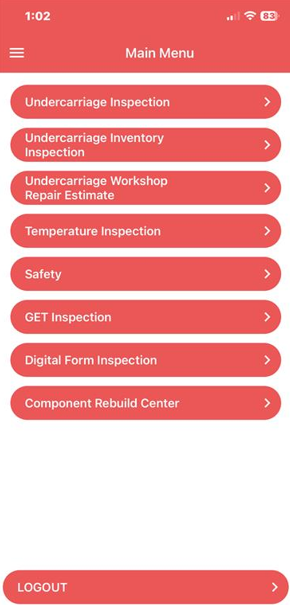
2) Once the status has been selected. Open your mobile app and navigate to ‘Digital Form Inspection’
3) You will be redirected to the Digital Field Inspections screen then click on the ‘+ Inspections Forms’ button
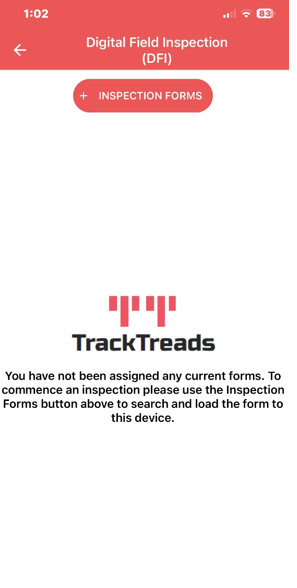
4) Use the search criteria to find the form you are looking for then click on the form
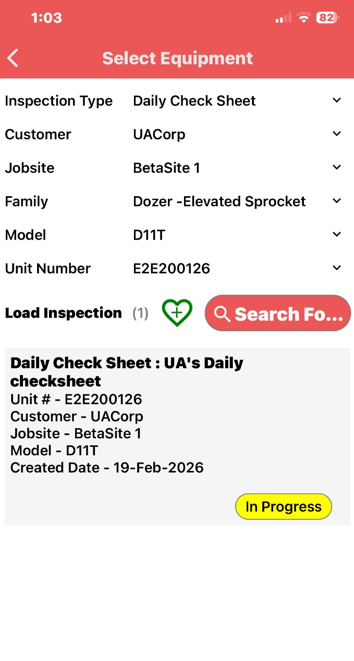
5) Once the form has been successfully loaded click on the ‘Start’ button
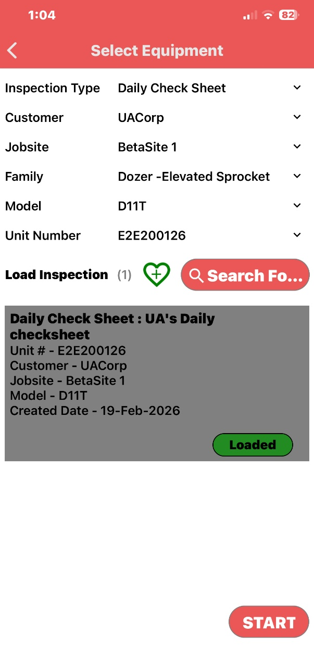
6) This will take you to the form, on this screen you will be able to complete the form
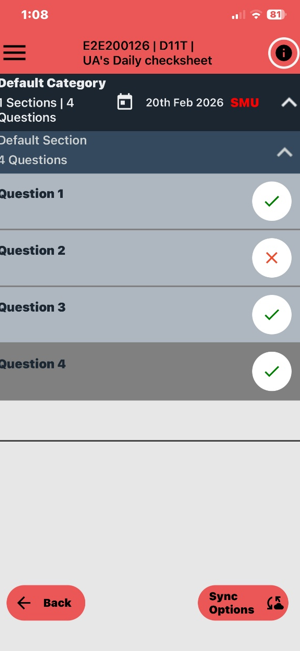
Once completed click on the ‘Sync Options’ button then click on ‘Complete Inspection’
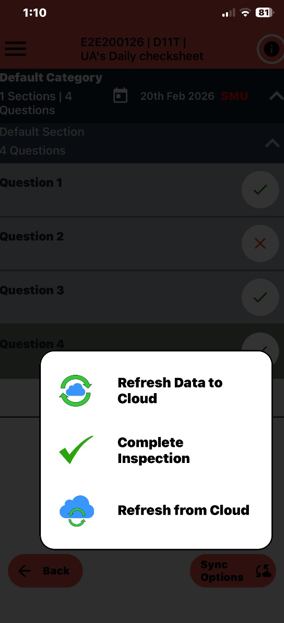
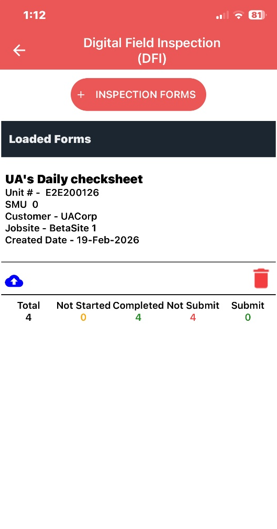
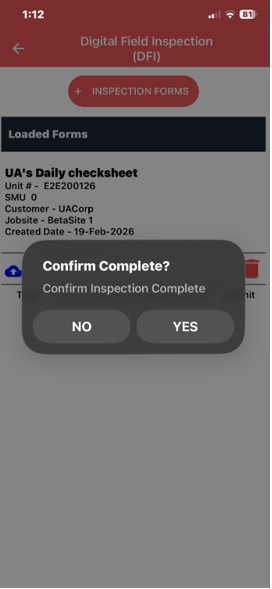
8) You will be redirected back to the Digital Field Inspection screen, On the form you have just completed click on the blue cloud on the bottom left corner, then conform you would like to complete the inspection